
Watch how Photoupz works
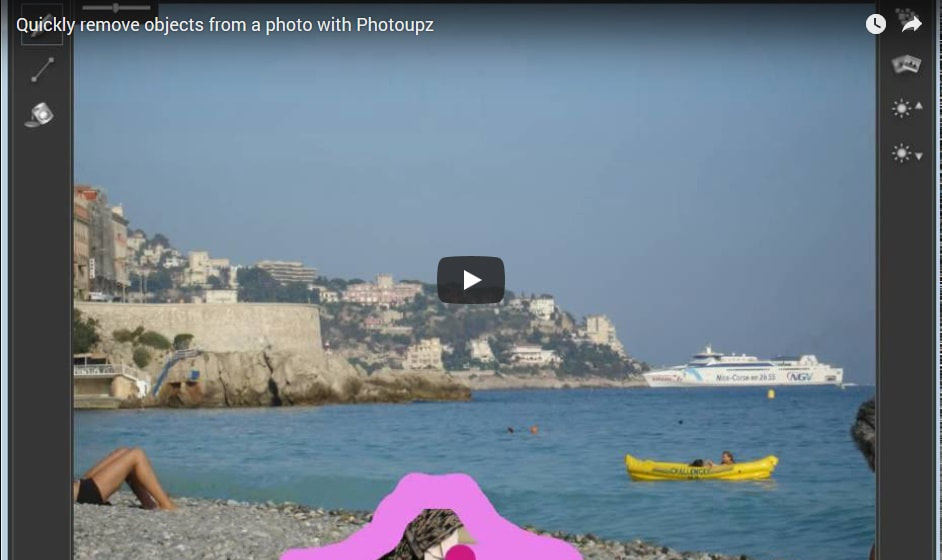
Play the video below to see how you can quickly and easily remove unwanted image objects and inpaint unknown pixel areas. Just load a photo into Photoupz, paint over unwanted image part and the automatic inpainting function intelligently removes the marked area. Use the Guiding Lines to guide the inpainting process if you want better control of the results.
Easy to use photo retouching software
|
Improve your pictures
|
Read tutorials
Improve other photo imperfections
Photoupz helps you create preserve memories in great photos
Sharpen your photos
|
 Sharpen photo |
Remove image noise
|
 Denoise photo |
Improve brightness
|
 Improve brightness |
Testimonials
Our customers love our software:
|
"Thanks, working great :) I'm Buying :)" - A.R.
"Something else I want to mention, the undo/redo feature is a history-based undo/redo feature in that it keeps a record of individual edits and allows you to step back and redo an edit you are not happy with. Another mark in the plus column. (Very helpful while learning to fine tune one's control of the guiding line feature.)" - J.L.
"I used a trial version of similar software, and I found your product much easier and more effective." S.T.
"I like it. Easy to install. Easy to use. Sucessful on my first attempt in only minutes. Results very pleasing." S.
"This works very well, and is easy to use. I like it!" Carolyn
"It’s the first time I have used such a program and I found it awesome!" O.
"Wow. I am impressed. Easy to install, easy to use, works very well for the average user. I suppose if I was a professional photo editor I might want something closer to perfection; but for the average person wanting to remove a blemish, it’s exceptionally good." N.
"In its class, I recommend Photoupz to budding photographers everywhere. Grab it while you can; you will have a good starting point for your new career. ;)" Paul
|
“I've found another owl photo spoiled by twigs - this time a barred owl taken in Florida. Five minutes and just one iteration cleaned it up nicely.” - C.B.
“This software is very cool an addictive! I used it for removing wrinkles from my family photos and it did a great job.” - E.O.
"Nice software." D.H.
"Yours is the 1st program and technique to successfully remove these translucent lighting effects." J.C.
"This is really a GREAT product! Fast and VERY functional! The best I’ve seen of this kind of Photo Software..." S.C.
"Takes a lot to impress a cynical old geezer, but I’m rather impressed. Me likes the ease of using the guiding lines! I must have right-clicked back and forth between original and edited version more times than a NSA stereoscopic satellite image examiner and was totally pleased with the results." R.M.
"I have used Photoupz for quite some time and I love it more each time I use it. I am impressed with it’s abilities to erase portions of a picture and zip in the background far better than any clone stamp." T.
|
